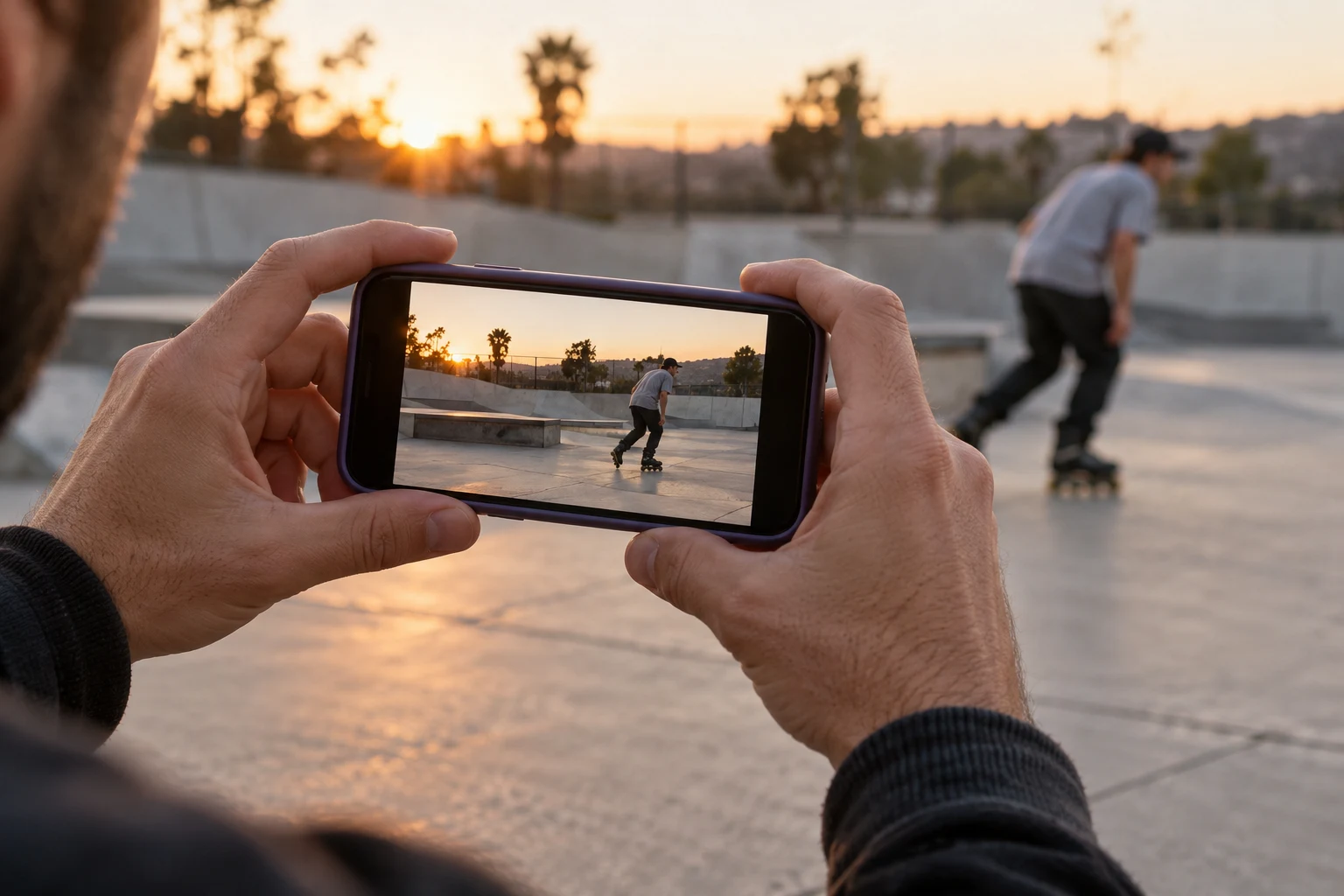
Agree on the shot before the attempt
Before anyone rolls in, ask three questions: what is the line, where does it finish, and where will the filmer stand? Walk through the framing together. A skater changing direction halfway through an attempt is much easier to follow if the camera operator knows the plan.
Start with a position outside the approach and landing. For your first pass, use a stationary shot instead of trying to skate alongside the rider. It gives you one less moving part to manage and makes it easier to see whether the full trick fits in the frame.
Ask the people involved before publishing their footage. Agree who gets credit and whether a clip is ready to share. If someone else filmed the attempt, keep their name with the original file so it is not lost during editing.
Choose an orientation for the finished clip
Use a vertical frame when the final destination is a portrait feed. Choose landscape when the scene needs more width, such as a long line across several obstacles. Decide before recording: cropping a wide shot into a narrow frame can cut out the skates or landing.
Leave a little space around the rider. The boots should remain visible through the trick, and the landing should fit without a sudden pan. Check the background too. A busy scene can make the rider hard to follow even when the trick itself is sharp.
A simple test is to watch your framing once without sound. Can someone understand where the skater came from, what happened on the obstacle and whether they rolled away? If the answer is unclear, adjust the camera position before the next attempt.
Use a simple recording setup
Wipe the lens and make a short test recording. Check available storage and battery before a long session. Use the normal camera view first; change lenses only if the resulting framing improves the shot. Moving to a better position is often more useful than zooming in from far away.
Check the video formats available on your particular phone. On supported iPhones, Apple explains how to change resolution and frame rate in the Camera app or camera settings; the available choices depend on the model. Higher settings also produce larger files. Use a setting you can record, review and upload comfortably.
Watch the test back at normal speed. A high-resolution file will not fix a cut-off landing. If the exposure keeps changing as the rider moves, try a different angle with more consistent light before adding extra technical steps.
Get three useful shots
You can make a coherent short edit from a small set of deliberate shots. You do not need to record everything that happens at the park.
- The place: one brief wide shot that establishes the obstacle.
- The attempt: the complete approach, trick and landing.
- The moment: a roll-away, reaction or detail that adds context.
For example, an edit can open on the ledge, cut to the full attempt and finish with a friend's reaction. This is an editorial example, not a required format. If the trick is stronger as a single unbroken clip, keep it that way.
When sharing filming duties, rotate fairly. A filmer should get their own session too. Review one recording together early rather than discovering at home that every attempt was framed too tightly.
Edit without losing the skating
Trim the empty waiting time, but leave enough approach for the movement to make sense. Keep the roll-away. Do not crop out the most important part just to make the clip shorter. A clean, readable attempt gives the viewer more useful information than a sequence of rapid cuts.
If you add slow motion, use it to clarify a moment rather than replacing the entire trick. Keep a full-speed version in the edit or as a separate original. If you add music, use audio you have permission to include; a track being available elsewhere does not automatically give you reuse rights.
Keep the original file and export a copy for posting. Give the caption a useful detail: the trick, the location if appropriate, or what you were working on. BladeFeed lets inline skaters upload their videos and connect with other riders, so the next step can be as simple as sharing one session clip with accurate credits.
Quick answers
Do I need an expensive camera to film rollerblading?
A phone can be enough for a clear session clip. Plan the position, keep the rider and landing in frame, and review a test before recording many attempts.
Should I film vertically or horizontally?
Choose according to where the clip will be viewed and how much width the line needs. Decide before filming so you do not have to crop away important action.
- Do I need an expensive camera to film rollerblading?
A phone can be enough for a clear session clip. Plan the position, keep the rider and landing in frame, and review a test before recording many attempts.
- Should I film vertically or horizontally?
Choose according to where the clip will be viewed and how much width the line needs. Decide before filming so you do not have to crop away important action.
YOUR NEXT STEP
Make the clip count.
Bring the session to the rollerblading community.
Share your skating on BladeFeed ↗YOUTUBE / @BLADEFEED
BladeFeed on YouTube
Visit the BladeFeed channel on YouTube. Read the filming guides here and explore the channel in a new tab.
References & useful links
Practical suggestions are editorial guidance. The linked primary sources support product and technical details; current features and venue information may change.