Separate three different numbers
Write down the recording frame rate, the editing timeline frame rate and the intended playback speed. A camera recording 60 frames each second does not automatically create a slow-motion clip. Played at its original speed, the recording still represents the same length of session. Slow motion is a choice about how those recorded images are distributed over the finished edit.
Start with the destination for the edit and a normal-speed example that looks right to your crew. Then decide whether you need a replay of a specific moment or a whole slow sequence. This guide's examples are planning exercises, not camera tests or claims that every device offers these modes.
Calculate a useful replay
For a simple one-recorded-frame-per-timeline-frame replay, divide the timeline rate by the capture rate. A 60 fps recording placed at 30 fps this way plays at 30/60 = 50 percent speed. Four recorded seconds contain 240 frames; at 30 frames each second they become eight seconds. A 120 fps recording at 30 fps gives 25 percent speed, so the same four seconds become sixteen seconds.
Another example is 50 fps capture and a 25 fps timeline: 50 percent speed. These calculations assume exact nominal rates and deliberate retiming. Fractional rates such as 29.97 and variable-rate phone recordings need their actual media properties checked. Simply dropping a clip onto a timeline may preserve its original duration instead.
Test the moment rather than the menu
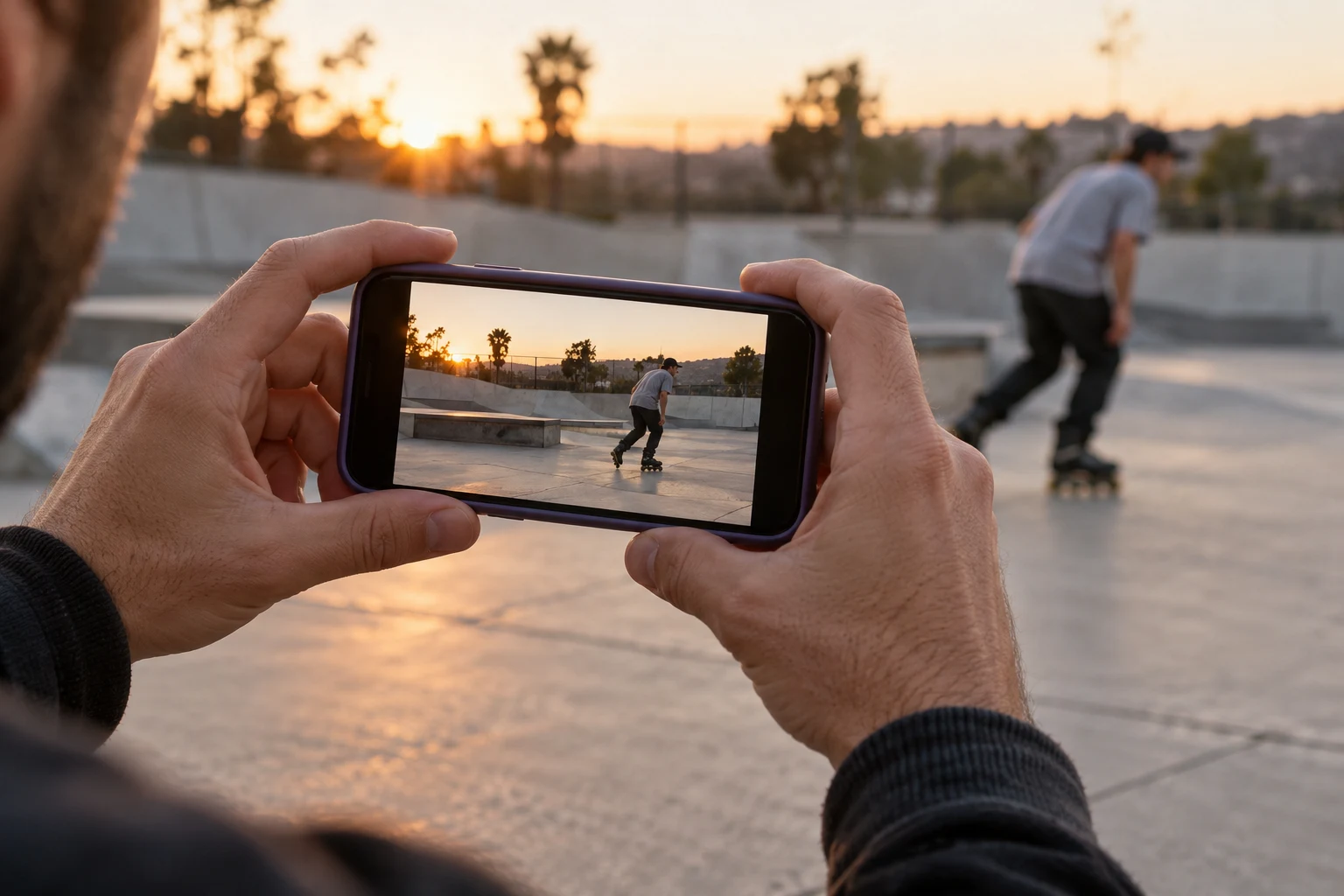
Imagine a familiar low obstacle with a short approach, contact and roll-away. Record a normal attempt from a position agreed with the rider, clear of the route. Review it once at normal speed and once at your calculated speed. Can a viewer still understand the approach? Does the replay explain contact, or only make the waiting time longer?
Check the moving skates and the obstacle edge, not only the rider's face. If detail is already blurred in the original frames, a slower edit will not turn those frames into sharp evidence. Keep a normal-speed version for judging the flow of a line. A slowed replay is an editorial view, not proof of how easy or difficult an attempt felt.
Retiming and export checklist
Adobe documents percentage-based speed changes and several interpolation choices. Their availability does not mean newly generated intermediate images are actual captured moments. For this workflow, first try the calculated speed using recorded frames. If you try interpolation, inspect the skates and crossing limbs closely and keep the original available for comparison.
- Confirm the actual source rate in the clip properties.
- Set the timeline deliberately before calculating the replay.
- Listen to retimed audio; retain normal-speed sound separately when useful.
- Export a short sample and watch the beginning, contact and finish.
- Label a replay clearly when sharing a learning clip on BladeFeed.
Sources were checked on 11 October 2026. Settings depend on your camera and editor; use their current documentation instead of copying an unsupported preset.
Calculate with your own numbers
Try the related calculator and compare your result with the stated assumptions. Planning tools →
Quick answers
Does filming at 60 fps automatically make a clip slow motion?
No. At normal playback it keeps its recorded duration. A deliberate 60-to-30 fps one-frame-per-frame replay gives 50 percent speed.
- Does filming at 60 fps automatically make a clip slow motion?
No. At normal playback it keeps its recorded duration. A deliberate 60-to-30 fps one-frame-per-frame replay gives 50 percent speed.
YOUR NEXT STEP
Plan the playback speed
Bring the session to the rollerblading community.
Explore BladeFeed ↗YOUTUBE / @BLADEFEED
BladeFeed on YouTube
Visit the BladeFeed channel on YouTube. Read the filming guides here and explore the channel in a new tab.
References & useful links
Practical suggestions are editorial guidance. The linked primary sources support product and technical details; current features and venue information may change.