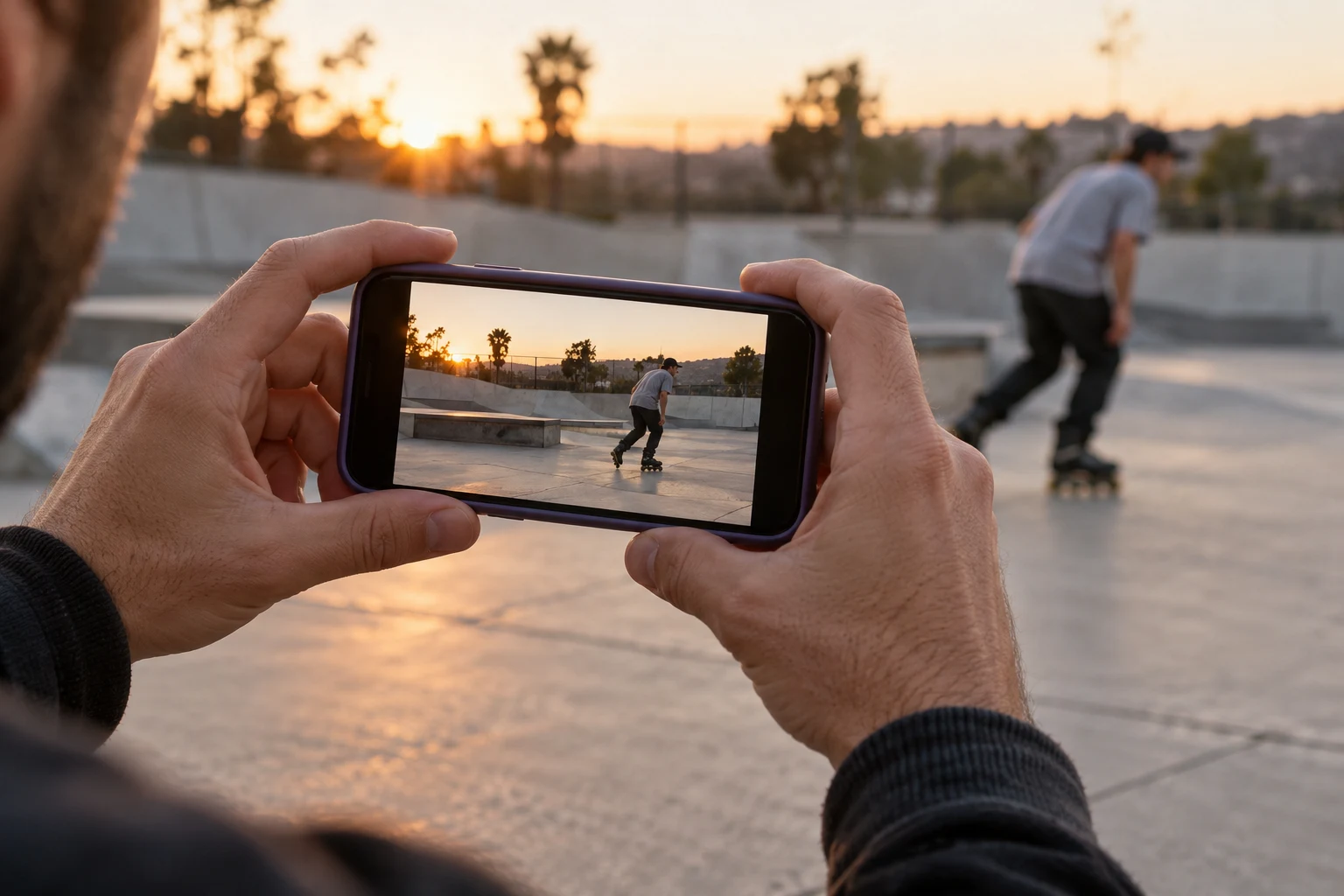
Choose the deliverables before the camera angle
Write down what you actually need: perhaps a horizontal crew edit and a vertical short clip, or just one version. Check the current upload requirements of your chosen destination. There is no reason to invent a universal export specification for every service. For a BladeFeed post and an accompanying video-channel edit, plan around the files you intend to publish, not a hypothetical list of every possible format.
Then describe the movement. A single rider on one obstacle and a long line across several features have different framing needs. Sketch where the skates enter, make contact and leave. The action you want viewers to understand should determine the framing; the camera's default orientation is merely a starting point.
Understand how much a centre crop removes
Here is an original arithmetic example using square pixels and no rotation. A horizontal 1920 by 1080 frame has a 16:9 shape. A full-height 9:16 crop inside it is 1080 × 9/16 = 607.5 pixels wide. Rounded for the chosen export, that retains about 31.6 percent of the original width. The remaining image does not magically move the rider into that narrow area.
This example describes the crop, not a recommended capture or export resolution. Upscaling the result and choosing a larger output file do not restore the discarded view. In a preview, mark the intended vertical window and test whether the approach, obstacle contact and finish fit. If they do not, shoot a separate version or choose a different angle instead of assuming a later crop will solve it.
Treat reframing as an editorial decision
Apple documents creating square or vertical project versions and automatic reframing. Automation is a starting point for review, not an assurance that the skates and obstacle remain visible. A face-centred view may miss the contact you intended to show. Review the entire movement in the new version and adjust deliberately where your editor allows it.
For a simple example, keep the main shot complete in the horizontal edit and make a separately framed vertical shot of one familiar obstacle. You can also choose a visible full-image layout instead of filling every pixel, if your destination supports it. Neither choice needs a claim that one orientation is inherently more authentic. The useful question is what the viewer can understand from this version.
Run a separate export check for each shape
Watch the actual exported file, not only the editing preview. Pause at entry, contact and exit, then play at normal speed. Check that the camera angle still communicates the obstacle and that any moving crop does not hide the landing. Text, rider names and filming credits need their own review in each version; don't assume a position that works horizontally also works vertically.
- Confirm the output width, height and intended orientation.
- Check skates, head, hands and obstacle at the key moments.
- Leave sensible space around important captions and credits.
- Preview on the kind of screen your audience will use.
- Keep the uncropped original and name each export clearly.
Sources checked on 11 October 2026. The calculation and shot exercises are editorial examples. Share a version on BladeFeed that preserves the part of the line you want to discuss, with the rider and filmer credited.
Put the guide into practice
Quick answers
Can I always turn a horizontal line into a vertical clip later?
No. A narrow crop can remove the approach or landing. Preview the intended crop before filming and make a separate version when the complete action does not fit.
- Can I always turn a horizontal line into a vertical clip later?
No. A narrow crop can remove the approach or landing. Preview the intended crop before filming and make a separate version when the complete action does not fit.
YOUR NEXT STEP
Keep the whole action
Bring the session to the rollerblading community.
Explore BladeFeed ↗YOUTUBE / @BLADEFEED
BladeFeed on YouTube
Visit the BladeFeed channel on YouTube. Read the filming guides here and explore the channel in a new tab.
References & useful links
Practical suggestions are editorial guidance. The linked primary sources support product and technical details; current features and venue information may change.