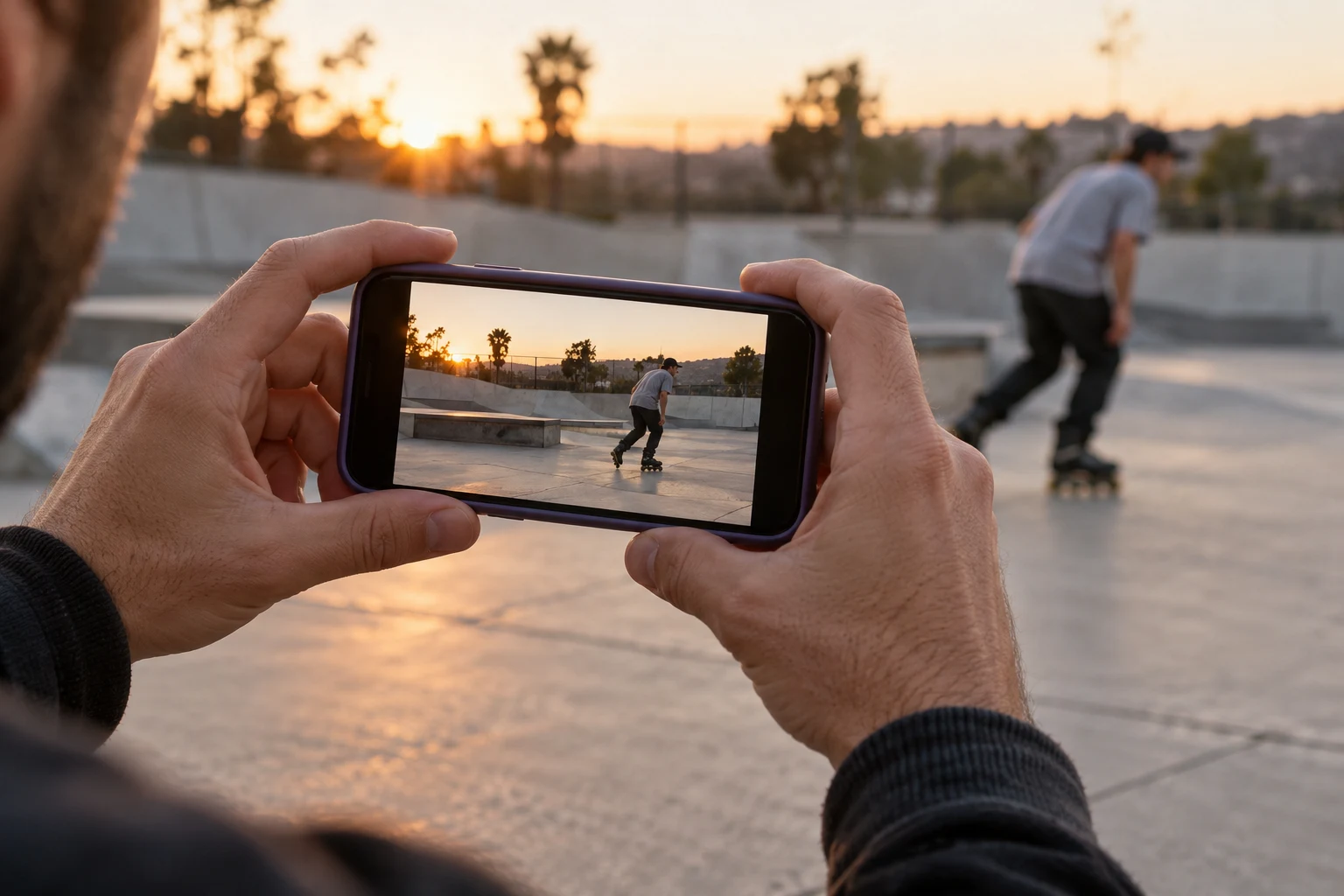
Give the edit one sentence of purpose
Describe the intended piece in one sentence: a recap of one session, an introduction to a crew or a record of one line. This sentence is the selection rule. A spectacular recording from an unrelated visit might belong in another edit rather than disrupting this one.
Decide who the piece is for and where you expect to share it. An audience unfamiliar with the riders needs more context than friends who were there. The intended format also matters when choosing framing, but check the current publishing requirements rather than assuming every platform accepts the same file.
Review with three lists
Use “keep”, “maybe” and “archive” labels in a note or folder system you already understand. “Keep” clips directly support the purpose. “Maybe” clips need a question answered, such as missing credits or a better version of the same moment. “Archive” clips remain preserved but are not part of this edit.
Do not confuse excluding a clip from the edit with deleting the original. Record source filenames so your choices can be found again. When two clips show almost the same thing, explain why you prefer one: clearer framing, a complete finish or a stronger connection to the session story.
Build a plain first sequence
Arrange the chosen clips without effects. Try an opening that explains the place or people, a middle that shows the focus and a finish that feels complete. Watch the sequence all the way through. If it only works when you explain every shot aloud, reconsider what context is missing.
A simple paper plan can read: “Arrival context; first shared moment; main line; closing reaction; credits.” It is an editorial example, not a requirement to manufacture reactions. Use the material you actually have. A short coherent piece is easier to understand than a longer one that repeats near-identical attempts.
Check the cut with its contributors
Before polishing, show the relevant selection to the people involved when possible. Ask about the portrayal, preferred names and outstanding file or credit questions. Resolve those before producing several finished versions. Keep a note of what changed so you are not repeatedly comparing unexplained exports.
Then make the final version for the chosen destination and keep your project and originals separate. You can share a selected piece on BladeFeed and link back to the people and session in the caption where appropriate. Finishing the selection first gives the edit a clearer reason to exist and a more manageable endpoint.
Put the guide into practice
Quick answers
Should I delete every clip that does not make the edit?
No. Keep original footage in your archive. Excluding a clip from one edit is a selection decision, not a deletion rule.
- Should I delete every clip that does not make the edit?
No. Keep original footage in your archive. Excluding a clip from one edit is a selection decision, not a deletion rule.
YOUR NEXT STEP
Find the edit’s shape
Bring the session to the rollerblading community.
Explore BladeFeed ↗YOUTUBE / @BLADEFEED
BladeFeed on YouTube
Visit the BladeFeed channel on YouTube. Read the filming guides here and explore the channel in a new tab.
References & useful links
Practical suggestions are editorial guidance. The linked primary sources support product and technical details; current features and venue information may change.